
Tutorial
How to Create Your First Test in LLM Eval Suite
A practical guide to setting up structured evaluations for your AI features, based on how we improved AI Doctor Notes with systematic testing.
This guide is based on our experience using LLM Eval Suite to improve the AI Doctor Notes app. Read the full case study to see the methodology and results.
When we set out to improve the voice transcript summarization in AI Doctor Notes, we needed a way to compare prompt variants systematically. Trial and error through repeated app compilation wasn't going to cut it — especially for a medical documentation feature where accuracy matters.
This guide walks you through creating your first evaluation test in LLM Eval Suite, using the same workflow we used to improve our own app.
1. Define Your Gold Dataset
A gold dataset is a collection of input samples with known expected outputs or entities. For voice transcript summarization, this means transcripts paired with reference summaries or key entities that should appear in the output.
Start with 15–20 synthetic samples that cover your domain, task, and edge cases. Include variations in:
- Speaker count (single speaker vs. multi-party)
- Complexity (simple vs. technical content)
- Clarity (clear audio vs. noisy transcripts)
- Question density (few vs. many questions asked)
Tip from our case study
We started with 15 synthetic samples. For stronger statistical power, aim for 50+ samples — but 15 is enough to identify major performance differences between variants.
2. Set Your Metrics and Scoring Guide
LLM Eval Suite evaluates outputs on four metrics:
Faithfulness (30% weight)
How accurately the output reflects the input. Deduct for invented events, claims, or interpretations.
Actionability (30% weight)
How useful the output is when you need to act later. Reward clear next steps and commitments.
Completeness (20% weight)
Are the key points and context captured?
Hallucination (20% weight, inverted)
How much is fabricated or unsupported? 0.0 = nothing, 1.0 = everything fabricated.
Choose the scoring guide that matches your domain. For voice transcripts, use voice-transcript-standard. For meeting notes, use meeting-notes-standard.
3. Configure Your Judge Provider
The judge is the LLM that evaluates your outputs. LLM Eval Suite supports MiniMax (recommended), Anthropic (Claude), and OpenAI (GPT) as judge providers.
The key assumption: judge models should be more capable than the models you're evaluating. We used MiniMax 2.7 as our judge when testing Apple Foundation Models — it provided consistent, domain-aware evaluations at a reasonable cost.
Controlled variables from our case study
When comparing variants, keep your judge configuration constant: same provider, same model, same scoring guide. This ensures you're measuring actual performance differences, not judge variability.
4. Create Your Variants
Variants are the prompt + generation configuration pairs you want to compare. Each test needs at least:
- One baseline — Your current implementation
- One champion — The variant you believe is best
- Challenger variants — New ideas you want to test
For each variant, define:
- Prompt template — Use
{input}as the placeholder for your transcript - Generation provider — Apple Foundation Models for on-device, or a cloud provider
- Generation config — Temperature, max tokens, sampling mode
5. Run and Analyze
Run your evaluation and watch the real-time progress. Each sample produces five scores: the four individual metrics plus an overall weighted score.
When complete, use the leaderboard to compare variants. Look for:
- Which variant has the highest overall score?
- Are there trade-offs? (e.g., higher faithfulness but lower actionability)
- Which metrics need the most improvement?
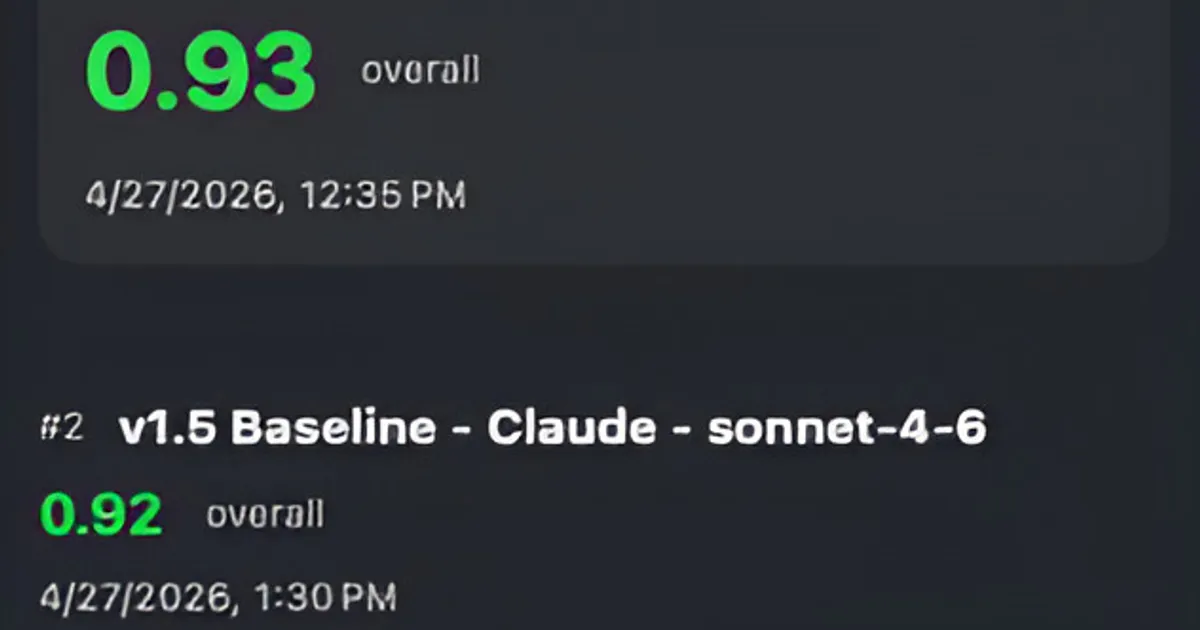
Our result: The v1.5 baseline, combining an improved prompt and custom generation config (higher max tokens, Top K sampling), outperformed v1.4 on most metrics. We saw the biggest gains in faithfulness and actionability.
Example Results
Our evaluation across 15 gold dataset samples showed measurable improvements in all dimensions with the v1.5 combined configuration:
| Variant | Faithfulness | Actionability | Completeness | Hallucination | Overall |
|---|---|---|---|---|---|
| v1.4 Baseline | 0.76 | 0.79 | 0.77 | 0.15 | 0.79 |
| v1.4 Baseline - More Nuanced Prompt | 0.78 (+0.02) | 0.79 (—) | 0.73 (−0.04) | 0.12 (−0.03) | 0.79 (—) |
| v1.4 Baseline - Custom Config | 0.81 (+0.05) | 0.79 (—) | 0.77 (—) | 0.13 (−0.02) | 0.80 (+0.01) |
| v1.5 Baseline (Winner) | 0.85 (+0.09) | 0.81 (+0.02) | 0.75 (−0.02) | 0.08 (−0.07) | 0.83 (+0.04) |
Results from our evaluation of AI Doctor Notes v1.4 vs v1.5 baseline configurations across 15 gold dataset samples.
Next Steps
With a systematic evaluation workflow in place, you can iterate on your AI features with confidence. Each iteration produces measurable results, so you know whether your changes are actually improving performance.
Start by building a gold dataset with representative samples for your domain. Then choose the right scoring guide and understand the four scoring metrics that drive evaluation. To learn how judge models score outputs, read our guide to LLM-as-a-judge evaluation.
Next steps to consider:
- Grow your dataset with real user samples (with consent)
- Test more variants to explore the prompt space
- Adjust metric weights based on your use case priorities
- Collect user feedback to guide v2.0 development
Ready to evaluate?
Download LLM Eval Suite and create your first test today.
Download on Mac App StoreBased on our case study on AI Doctor Notes.